


-
Written by Meiptv
-
June 30, 2025
-
2 minutes
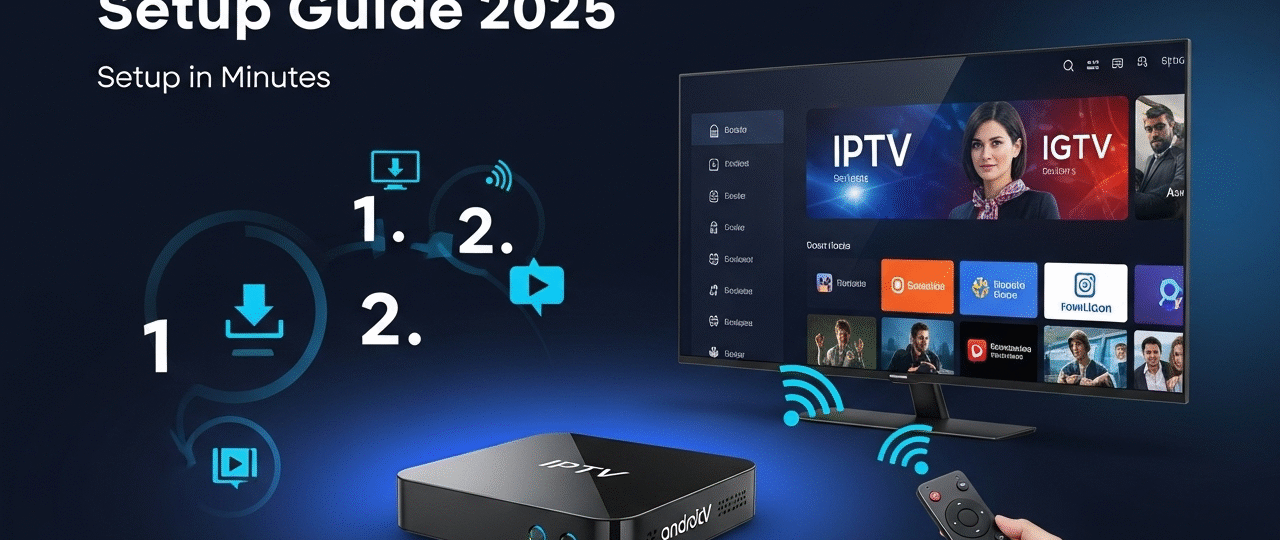
Using a TV Box is one of the easiest and most powerful ways to enjoy IPTV. Whether you have an Android TV Box, Xiaomi Mi Box, Formuler, MAG, or any other Android-based device, you can stream Meiptv in full HD and 4K without lag or limits.
This guide will show you how to get IPTV up and running in just a few simple steps.
β
What You’ll Need
- A working TV Box (Android, Xiaomi, etc.)
- A stable internet connection (15 Mbps or higher)
- A subscription to Meiptv
- An IPTV player app like IPTV Smarters, TiviMate, or Flix IPTV
π§ Step-by-Step: How to Set Up IPTV on a TV Box
1οΈβ£ Step 1 β Turn On Your TV Box
Make sure your TV box is connected to your TV and internet. Navigate to the home screen.
2οΈβ£ Step 2 β Install an IPTV App
You have multiple options depending on your preferences. Here are the most popular ones:
π² Option 1: IPTV Smarters Pro (User-Friendly)
- Open Google Play Store on your TV Box
- Search for “IPTV Smarters Pro” and install it
- Open the app after installation
- Select Login with Xtream Codes API
- Enter your Meiptv credentials:
- Username
- Password
- Server URL (provided via email or WhatsApp)
- Create a profile and click Add User
β Your content will now load: live TV, VOD, series, EPG, and more.
π² Option 2: TiviMate (Best Premium Experience)
- Search for TiviMate IPTV Player on the Play Store
- Install and open the app
- Add a playlist using your Xtream Codes or M3U URL
- TiviMate has a premium version with recording, catch-up, and more features (highly recommended)
π Tip: Use TiviMate Premium Setup Guide if you need help.
π² Option 3: Flix IPTV (Clean UI, Great on Big Screens)
- Install Flix IPTV from the Play Store
- Open the app and copy the MAC address
- Go to https://flixiptv.eu/mylist
- Paste your M3U URL from Meiptv and link it to your MAC
Done! Restart the app and enjoy.
π‘ Pro Tips for a Better TV Box IPTV Experience
- Use Ethernet connection for more stability than Wi-Fi
- Use a VPN if your ISP throttles IPTV traffic
- Organize your favorites and EPG settings inside your app
- Avoid running too many apps in the background β clean memory if needed
π Why Use Meiptv on Your TV Box?
Meiptv is built for TV boxes. You get:
- π 18,000+ live channels from around the world
- π₯ 30,000+ VOD (movies & series)
- β½ Sports, PPV, and international events
- π» Compatibility with all IPTV players
- π Secure access, no buffering, 24/7 support
π Try Meiptv Now β Click here to view all plans
π Related Setup Guides
Post Views: 150